Quantower Guides
Quantower Risk Manager for Prop Firm Accounts: Daily Loss and Drawdown
Prop firm accounts fail on rules, not on one bad trade. Quantower now has a built-in Risk Management panel that can stop you before the firm does. Here is what it covers, what it does not, and where an add-on fits.
Layer 1
Your prop firm's own rules
Always on- Enforced at the broker or firm, e.g. Rithmic RMS
- The final word on your account
Note: a breach here fails the account.
Layer 2
Quantower Risk Management
Free, Beta- Day loss and day profit limits
- Max order and position quantity
- Trading time window, balance and equity floors
Best for: hard caps per account, free.
Layer 3
Nexus Chart Trader risk locks
Lifetime licence- Daily loss, daily goal, intraday trailing drawdown
- Profit protector, loss-streak, news and schedule locks
- Pro and Eval rule sets
Best for: behaviour rules on top of hard caps. Product page
| Rule | Quantower Risk Management | Nexus Chart Trader |
|---|---|---|
| Daily loss limit | Yes (Day loss limit) | Yes (Daily loss) |
| Daily profit target | Yes (Day profit limit) | Yes (Daily goal) |
| Trailing drawdown | No built-in rule | Intraday only, from the day's peak |
| Give back part of a good day | No | Profit Protector (default $400 trigger, 30% giveback) |
| Losses in a row | No | Consecutive Loss Lock (default 2) |
| News events | No | News lock (default 2 min either side of high-impact USD news) |
| Trading hours | Yes (Trading time) | Yes (Trading Schedule), plus close before 17:00 NY |
| Max position size | Yes, several quantity caps | Max position and AUTO size caps |
| What happens on a breach | Do nothing (log) or Flatten; optional lock for a set time | Cancel orders, flatten and lock the account until the 17:00 NY session close |
Quantower facts from the Risk Management help page and Quantower's prop trading blog, checked November 12, 2026.
Setting up Quantower's Risk Management panel
Open the panel
It is in the Control Center under Risk Management. It is free and marked Beta (added in version 1.147.1).
Build a template
Add rules: day loss limit, max position quantity, trading time and so on.
Assign it
Apply the template per connection, exchange and account, or to all of them.
Pick the action
Choose Do nothing (just log it) or Flatten, which closes positions and cancels working orders.
Lock after a breach
Lock on Risk Event blocks the template for a set time after a rule fires.
Leave a buffer
Set your limits below the firm's. Quantower's own docs say the firm's risk engine stays the authority.
Trailing drawdown is the gap
Quantower's Risk Management has no trailing drawdown rule. Its own blog notes that fixed balance or equity limits do not reproduce a trailing drawdown. Nexus Chart Trader's trailing drawdown is intraday: it measures from your peak since the 17:00 New York reset. That is not the same as your firm's end-of-day or lifetime drawdown, so always keep the firm's number in view.
Prop firms that work with Quantower
Quantower's connections page lists prop firms including Apex Trader Funding, Topstep, Elite Trader Funding, Take Profit Trader, Earn2Trade, Bulenox and Phidias. Topstep connects through Rithmic, and its own limits show up as Rithmic rejections such as "Loss limit for account exceeded" (Topstep connection guide). Firms on ProjectX are picked from the Server list of the ProjectX connection.
What it looks like in Nexus Chart Trader for Quantower
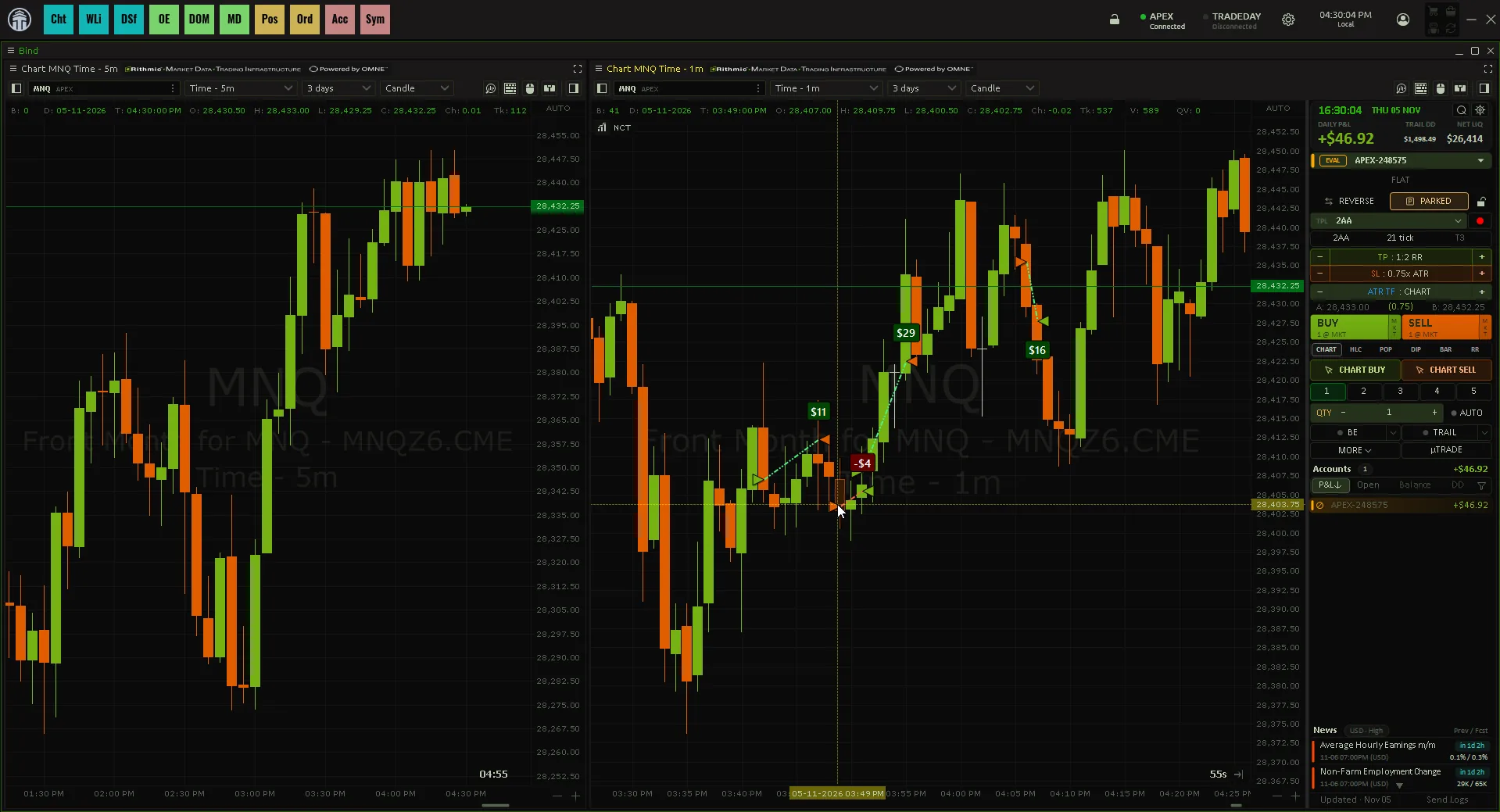
Things to notice:
- Account Risk Studio has three numbers per rule set: Daily loss, Daily goal and Trailing drawdown. Pro accounts and Eval accounts each get their own set, and any single account can have an override. Enter 0 to leave a limit unused.
- A breach is a hard stop. The account's working orders are cancelled, positions are closed at market, and the account is locked until the 17:00 New York session close.
- Loss streaks lock entries without flattening. The Consecutive Loss Lock blocks new entries for a set time or until the session close.
- The Accounts dashboard shows today's P&L and net liquidation per account, with LOCK, PARK, CANCEL ALL and FLATTEN ALL.
- Sim is treated differently. Sim accounts only follow the daily limits if you turn on "Sim Accounts Follow Eval Rule" or give them an override.
Common pitfall
Setting your limit equal to the firm's. Fills and slippage can carry you past it before any software reacts.
Better routine
Set your daily loss well inside the firm's, and stop for the day after two or three losses in a row.
When not to buy an add-on
If you only need a daily loss cap and a max size, Quantower's free Risk Management panel does that. Add-on locks help when your problem is behaviour: revenge trades after a loss streak, giving back a good morning, or trading into news. Both only work while Quantower is running. Related: Quantower bracket orders and Quantower ATM strategy.
Your own limits, per account
Nexus Chart Trader for Quantower adds per-account daily loss, daily goal and intraday trailing drawdown locks, plus loss-streak, news and schedule locks.
See Nexus Chart Trader for QuantowerNexus Indicator
Published by Nexus Indicator. Nexus sells Nexus Chart Trader for Quantower, which this article mentions. For product, licensing, or setup questions, contact support.